Looking for a Splitwise alternative?
We know exactly how it feels.
During one of our trips, we couldn’t add more than 2 expenses per day without paying their subscription. We searched for a Splitwise alternative, but none really convinced us, so we built Splital.



Why people switch from Splitwise
If you’re here, you probably already know these frustrations:
- Daily expense limits
- Annoying countdown timers
- Basic features are paid
These are the exact reasons why we built Splital.
What makes Splital different
Splital is completely self-funded. We have no investors, so we’re free to do what we think is best for our users. That’s why Splital:
- Shows no ads
- Has no expense limits
- Offers all the basic features for free
We believe everyone should be able to split expenses easily, and with Splital, you can.
Today, Splital has over 100.000 users and an average rating of 4.8/5, based on 2.000+ reviews across Android and iOS.
Turns out, we weren’t the only ones looking for a Splitwise alternative!
| Splital | Splitwise | |
|---|---|---|
| Average Rating | ★★★★★ 4.8/5 Android & iOS | ★★★★☆ 4.2/5 Android & iOS |
| Registration | Optional to respect your privacy | Mandatory |
| No ads | Only with paid plan | |
| Unlimited expenses per day | Only with paid plan | |
| Unlimited groups | ||
| Invite friends to groups | ||
| Add friends manually to groups | Just enter their name | Friends must register |
| Currencies | 150+ | 100+ |
| Equal and unequal splits | ||
| Custom Default Split | Paid feature | |
| Simplify debts | ||
| Search expenses | Paid feature | |
| Automatic expense categorisation | Advanced | Basic |
| Notifications |
Comparison based on publicly available information as of 30/03/2026. Please check Splitwise official website or store listing for the most up-to-date details.
Switch from Splitwise in seconds
Already have groups in Splitwise? No problem. You can import your Splitwise groups into Splital in just a few steps:
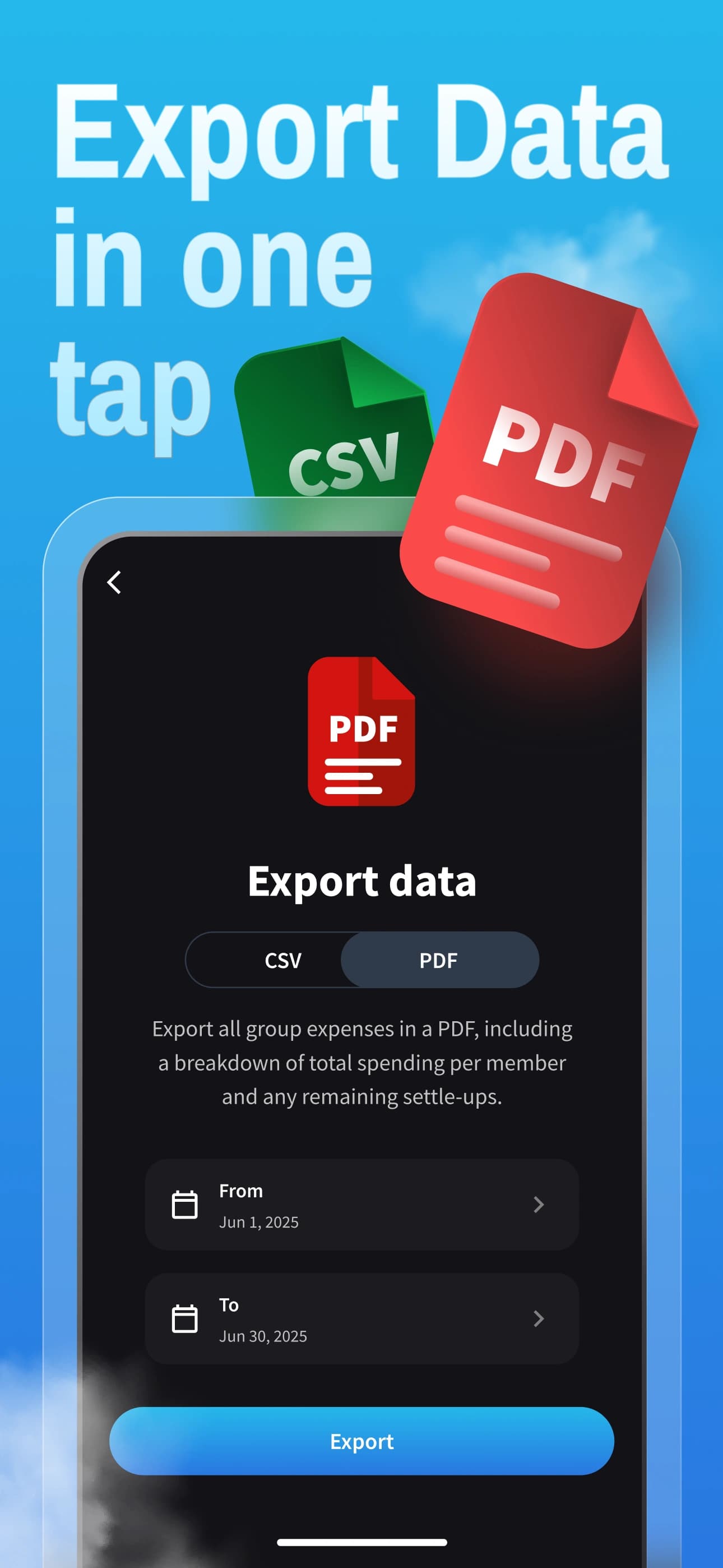
- Export your group as a CSV file from Splitwise
- Create a new group in Splital and tap "Import from Splitwise"
- Upload your CSV file into Splital and you’re done
All your expenses are imported perfectly. Splital even re-categorises your expenses with its advanced automatic categorisation, so you get a much better breakdown than what Splitwise offers.
The import is completely free and works with groups of any size.
What users say
“Amazing free Splitwise alternative, and the Pro version is very reasonably priced”
“Best app to keep track of your expenses! I tried Splitwise first, but there weren't as many available free features as they claim.”
“It does its job and it's free! Much better than Splitwise!”
“Love the app. The UI is better than Splitwise.”
Frequently asked questions
Forget Splitwise, switch to Splital

